All features

The back office, right beside your orders.

Stock, warehouses, suppliers, production, bills, assets, cash and team tasks live next to your orders. Switch on the parts you need.

Every stock change, on the record.

Each sale, return, delivery and correction is a line in your stock history. You see what moved, why, who did it and the count after.

  • Stock valued at a moving average
  • Corrections always carry a reason
  • Move stock between locations
  • Lots and expiry dates
  • Bundles move their parts when sold
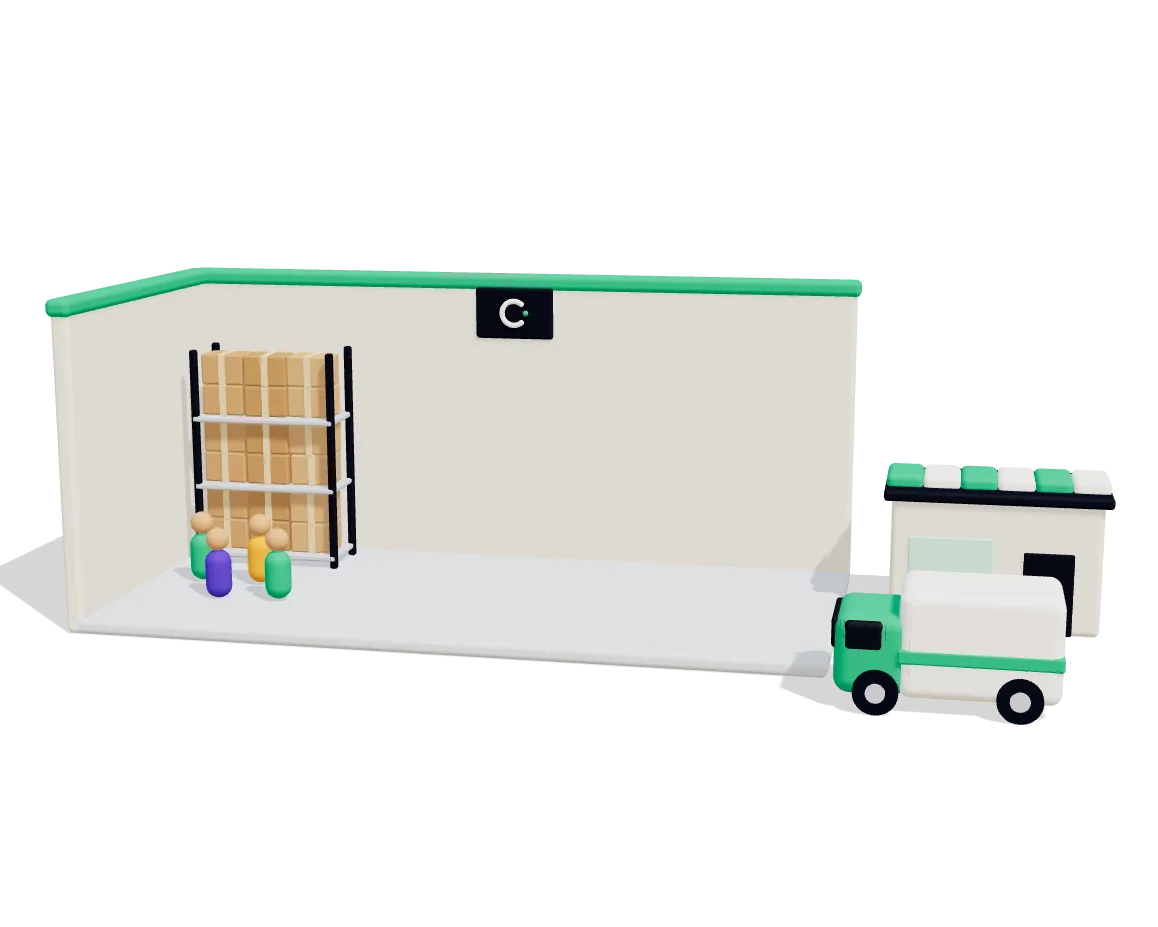
From the dock to the right shelf.

Set up warehouses, zones and bins. Goods come in, get put away, get picked and get packed, and there is still one stock count.

  • Receiving, with damaged units noted
  • Putaway suggests a bin
  • Pick lists from up to 100 orders
  • Pack into boxes, then verify
  • Blind or guided cycle counts

Buy stock with a proper purchase order.

Keep your suppliers, their prices and their lead times in one place. What you receive goes into stock at the cost you paid.

  • Supplier catalogues with pack sizes
  • Reorder suggestions for what runs low
  • Email the order to the supplier
  • Receive part or all of an order
  • Send goods back with a return

Make what you sell, and know what it cost.

A recipe says what one run uses. A batch takes those parts out of stock and puts what you made back in, at its real cost.

  • Wastage, by-products and overhead
  • See what a run should cost first
  • A short component stops the batch
  • Each batch gets its lot and expiry
  • Print the batch sheet for the floor

What you owe, in one list.

Supplier bills, staff claims and repeat costs like rent go through approval. You see what is due, what is late and what you can save.

  • Bills with approval and part payment
  • Staff claims with receipt photos
  • Nobody approves their own claim
  • Rent and software bills make themselves
  • Debit notes for goods sent back

A register of what the shop owns.

Machines, vehicles, computers and furniture go on one register. Depreciation runs every month, and each asset shows what it is worth now.

  • Straight line or written-down value
  • Indian lives and rates as defaults
  • Add an asset from a bill line
  • Sell or write off, gain or loss booked
  • See the next twelve months

Know what is in the bank and the till.

Bank accounts, cash boxes and wallets each show a balance from your books. Import your statement and match it line by line.

  • CSV from any bank, or OFX
  • A line with one match matches itself
  • Record bank charges and interest
  • Owner's money in and out
  • Move cash to bank in one entry

To-dos that know what they are about.

Give a job to someone with a due date and a reminder. A task can point at a customer, an order or a deal.

  • Mine, all open, overdue and done
  • A reminder in the app and by push
  • Bills due open a task to pay
  • Callback requests become tasks
  • Tasks are cancelled, never deleted

And the small things that matter.

  • One stock count

    Warehouse, buying and production all move the same count.

  • Into your books

    With books on, receipts, bills, payments and depreciation post themselves.

  • Unknown stays unknown

    A cost nobody recorded reads not known yet, never zero.

  • Bills match goods

    A bill against a purchase order does not count the stock twice.

  • Reports

    Purchase register, stock ledger, asset register and more, ready to export.

  • Workflows

    A finished batch, a low balance or an ending discount can start a workflow.

  • Ask the assistant

    How much money do I have? What do I need to pay this week?

  • Permissions

    Each part has its own view and manage rights for your team.

Common questions

Which plan includes this?

Inventory, purchasing, tasks and full books come with Growth and up. Expenses and several warehouses come with Business and up. Warehouse screens and production need Inventory. Fixed assets and cash and bank need your books.

Do I have to use all of it?

No. Each part is switched on for your shop on its own, so you can start with stock and add the rest later.

I only have one shelf. Is this too much?

No. Inventory works with a single location. When you outgrow it, your first warehouse takes over that location and everything already counted.

Does it work on my phone?

The full screens work in a browser. The Android app's Home shows out-of-stock products, putaway waiting and orders to pick and pack. There is no iPhone app yet.

Try it on your next order.

Connect your store and let one order run through. 14 days free, no card.