All features

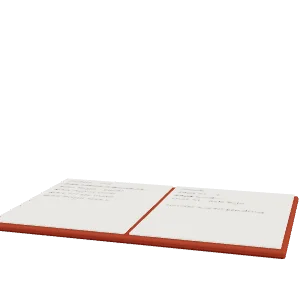
Books that fill in from your orders.

Sales, refunds and costs land in double-entry books as they happen. You read your month in plain words, and your accountant gets real statements.

Your month, in plain words.

Turn on books once and each module records its own entries from that day. The Books page tells you how the month is going.

  • Sales and profit this month
  • Owed to you, and what you owe
  • Money in and money out
  • Tax to pay
  • Paid but not yet delivered

See what each order left you.

Profit is read from the books, so it never disagrees with your accounts. View it by month, by product, by channel or for one order.

  • Shipping, fees and packaging on their own lines
  • Marketing and stock losses too
  • Up to 37 months at a time
  • Profit after each channel's costs
  • Cost of goods once it is recorded

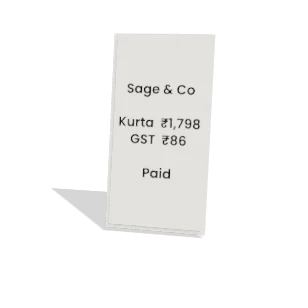
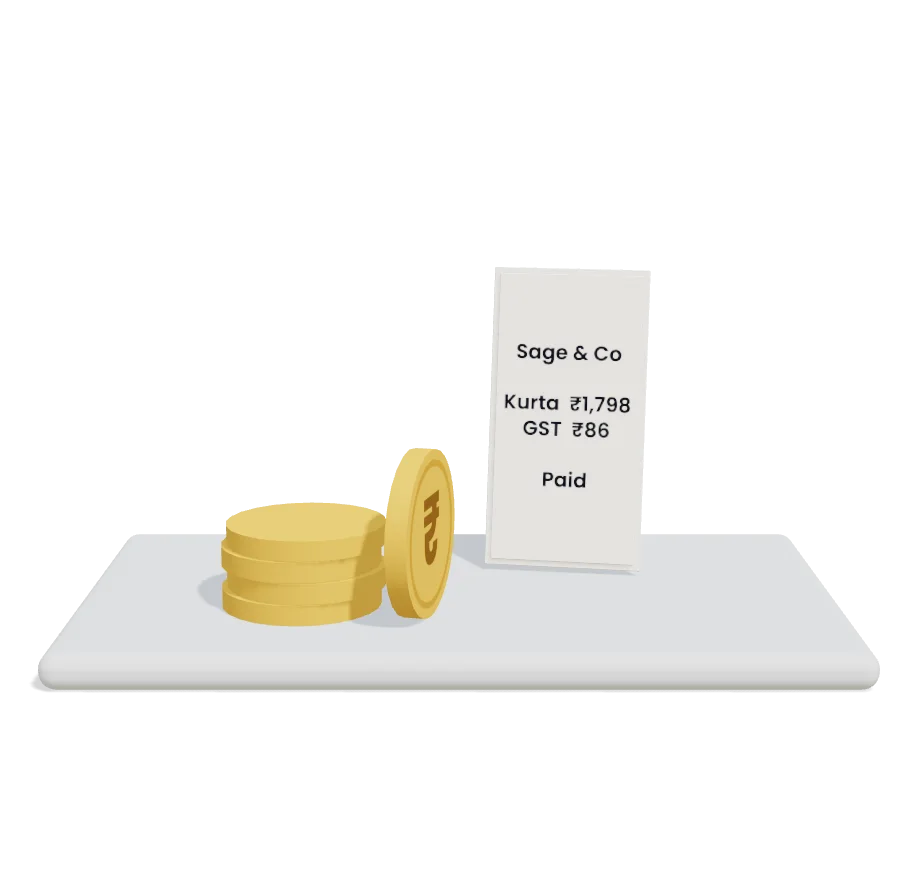
GST invoices that keep their numbers.

An invoice is issued once, takes the next number in its series and then stays as it was. To reverse money, you issue a credit note.

  • Numbers by financial year, INV/26-27/00001
  • HSN on each line
  • CGST and SGST, or IGST, as due
  • Buyer's GSTIN printed
  • Voided numbers stay in the series

GSTR-1, ready for the portal.

Pick a month and Commstate builds your GSTR-1 as the file the GST offline tool reads, and as section CSVs. You upload it yourself.

  • B2B, B2C, credit notes and HSN summary
  • Documents issued, by series
  • A checklist of what to fix first
  • Orders left out are listed, with why
  • File totals set against your books

Match your bank statement to your books.

Import a statement from your bank and each line finds its match. What is left, you match, record or ignore.

  • CSV from any bank, or OFX
  • Overlapping statements are fine
  • Bank charges, interest and owner's money
  • Cash to bank transfers
  • Bank balance beside books balance

Real books your accountant can work in.

An April to March year, a GST chart of accounts and journals written by hand. Posted entries never change, and a wrong one is reversed.

  • Hand-written journals, debits equal credits
  • An approval line for large entries
  • Recurring journals
  • Add accounts of your own
  • Profit and loss and balance sheet in CSV

Print everything from one place.

Invoices, credit notes, proformas and shipping labels all share your shop's details. Design your own templates by drag and drop.

  • A list of every issued document
  • Your GSTIN and details on each one
  • Labels two to a row, or your layout
  • COD amount only on COD parcels
  • India Post COD article

Your accountant stays in Zoho Books.

Sign in to Zoho and match your accounts. Every journal entry goes to Zoho Books within minutes.

  • Accounts matched by code, then name
  • Approved bills can go as bills
  • Nothing counted twice
  • Failures show the reason
  • Sync runs one way, out to Zoho

And the small things that matter.

  • Never a false zero

    A cost not recorded yet says so, instead of showing 0.

  • Book reports

    Day book, cash book, bank book and ledger by account, ready to export.

  • Courier COD money

    Upload a courier's remittance file, match it to parcels and send it to books.

  • Exact to the paisa

    Money is kept in whole paise, so totals add up.

  • Supplier bills

    Approved bills and payments post to your books without keying them twice.

  • Depreciation

    Assets on your register depreciate into the books each month.

  • Ask the assistant

    Profit kitna hua? How much GST do I owe this month?

Common questions

Which plan includes this?

GST invoices come with every plan. Full books come with Growth and up. Expenses come with Business and up.

Does Commstate file my GST return?

No. It builds your GSTR-1 file and you, or your accountant, upload it on the GST portal. GSTR-3B and e-invoicing are not built, and neither are exports or amendments in the file.

Will my old sales come in?

No. Books record from the day you turn them on. Your accountant can enter opening balances as a journal.

Does it work with Tally?

Not today. Zoho Books is the one connector. Your statements and reports export to CSV for anything else.

Do changes in Zoho Books come back?

No. Entries go from Commstate to Zoho Books. Sales invoices and stock are not sent as their own records; sales reach Zoho as journal entries.

Try it on your next order.

Connect your store and let one order run through. 14 days free, no card.